
- 1
Navigate to Chart platform
- 2
Sign Up
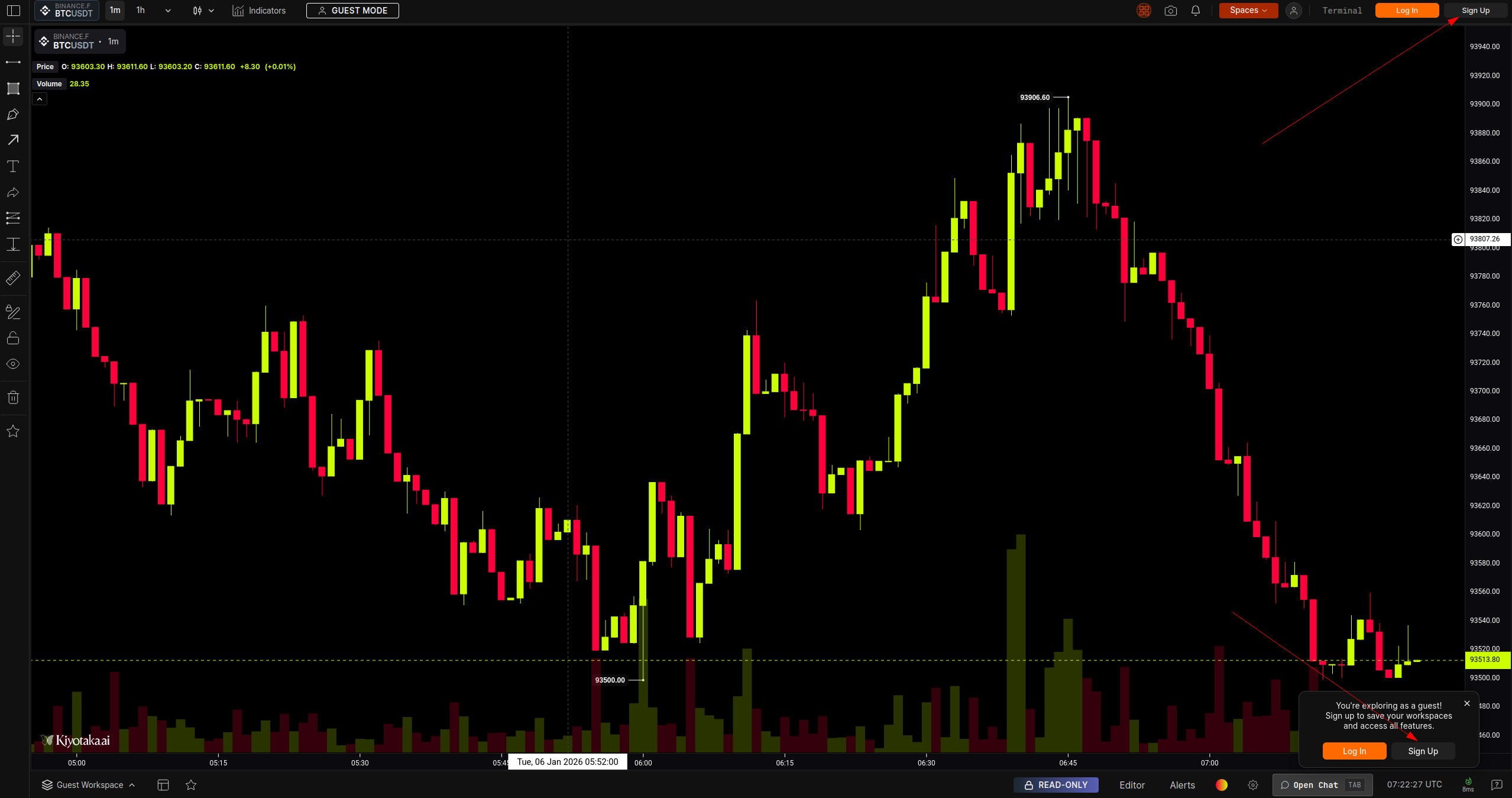
Click Sign Up either on the top right section of the navigation bar or the bottom right dialog.
- 3
Select Option
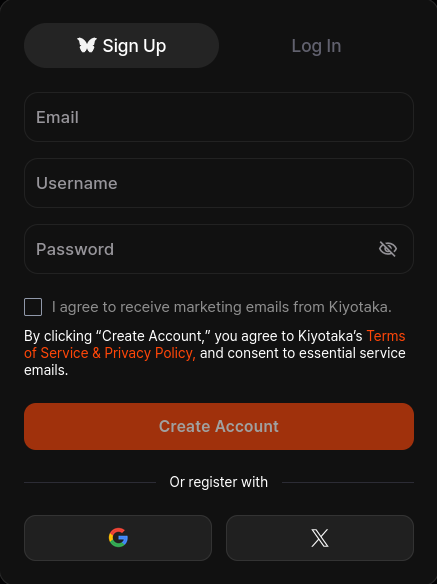
Register using one of the options below.
Option A: Email & Password
- Enter a valid email address, username, and a strong password.
- Check box to receive marketing emails from OpenMarket (optional).
- Click Create Account.
Option B: Google
- Click the icon.
- Select your Google account in the popup window.
- You will be automatically logged in (email verification is usually handled automatically by Google).
Option C: X (formerly Twitter)
- Click the icon.
- Authorize OpenMarket to access your basic profile information.
- You will be redirected back to the platform logged in.
Creating an Account
To unlock the full platform — saved workspaces, custom indicators, and personalized settings — you must register an account. We support three secure methods: